
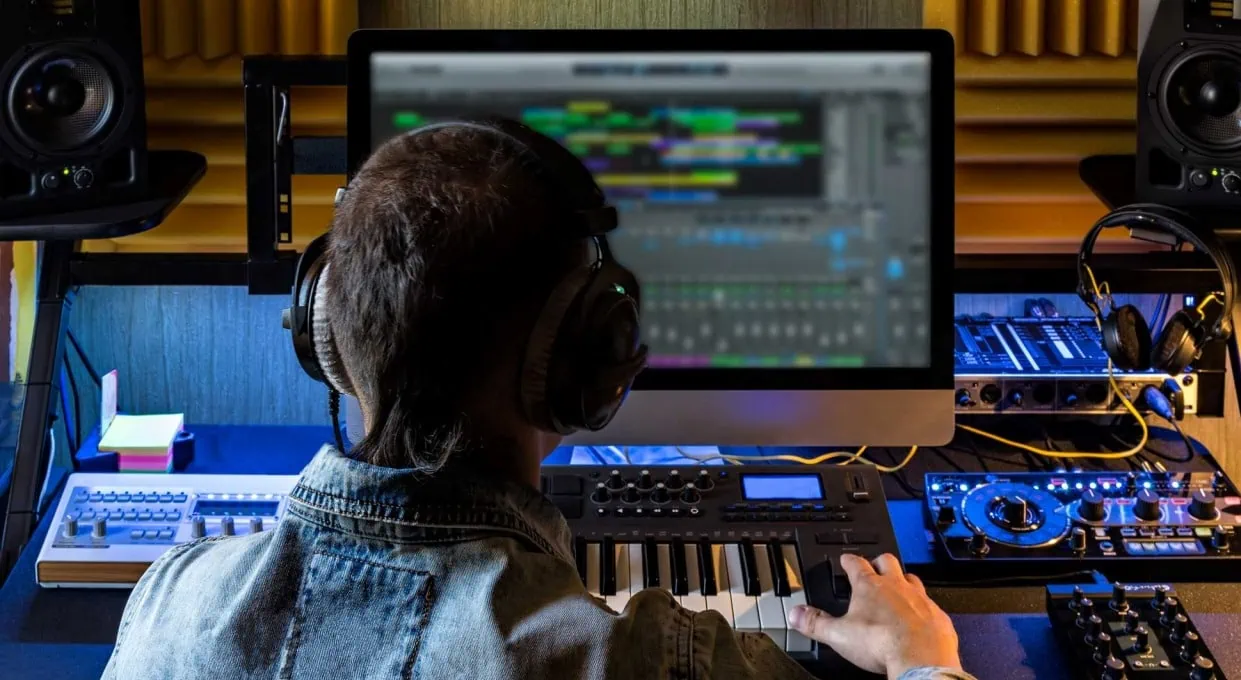
Technology has revolutionized how we accomplish everything. But despite this, most of us don’t know how they really work. This is fine … most of the time!
However, when it comes to music production, it’s helpful to know your way around a computer. Thankfully, you don’t have to be a computer wiz to start your own budget music studio.
Below, I explain what computer terms you need to know for production, and how to use that knowledge to make informed choices about your purchases. My aim is to give you a solid, beginner’s understanding of computer technology, within the context of media creation.
Processors, RAM, and Storage: The Main Characters!
We’ll dive right in with the three most important terms you need to know for buying a computer: processors, RAM, and storage.
Processors
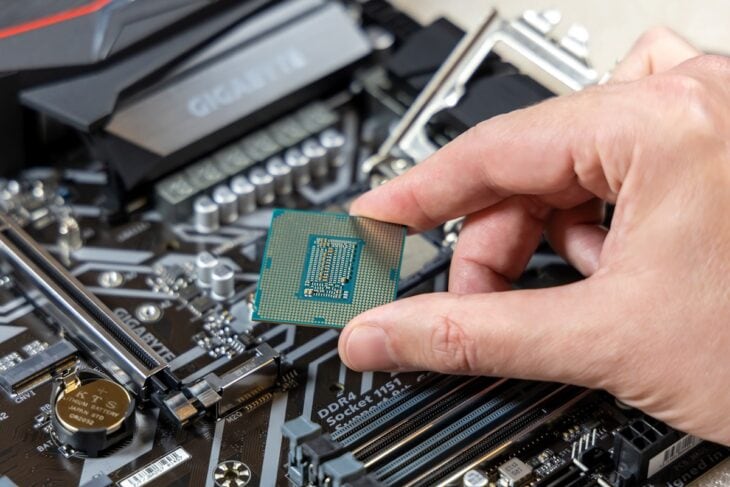
A computer processor is the “brain” or “boss” of the computer. It’s a computer chip on steroids!
Technically, they’re “central processing units,” or “CPUs” for short. It’s confusing, since we often use “cpu” as an abbreviation for the word “computer.” Just understand that when you see “cpu” in computer descriptions, it’s talking about the “brain” of the machine, not the whole thing.
The processor receives input, and then tells everything else what to do with it. “Input” is anything that a computer “does,” whether it’s pushing a button, pressing a mouse, or a program doing its own thing. Given this, it has to be extremely powerful and efficient.
The power of a processor is described with two “specs:” the number of cores it has, and the number of threads it uses. These specs allow it to multitask.
“Cores” are physically separate parts of a processor that accomplish separate tasks simultaneously. “Threads” are the same, but are “software” tasks.
Imagine you’re a boss sitting at your desk, doing a billion different things; the “cores” are like your arms. The more arms you have, the more physical work you can do (yeah, it’s weird … but now you won’t forget!) “Threads” would be like how many thoughts/ideas you can keep in your head at the same time.
What Processor Should I Look For?
Without delving in too deep, there are two brands of processors: Intel and Ryzen. Intel is more widespread, but both are great.
For Ryzen, you would want a Ryzen 5000 or higher. For Intel, you can use either i5 or i7 Intel processors. i5’s are better at recording real-time, but i7’s are better for mixing large songs with over 20 tracks. If you’re a beginner, the i5 would probably be fine, as you probably won’t need more than 10 tracks.
RAM
RAM stands for “Random Access Memory,” and is easy to understand (and no, we aren’t talking about Daft Punk here!) RAM is the “working memory” of the computer, and holds all the information you need to interact with a program right now. It’s like our short-term memory.
To explain further, the processor “tells” everybody what to do. The storage is where you save files (like when your iPad annoyingly says you’re almost out of space). The RAM is the “scratch pad” or memo pad between the two. It has to remember stuff, but doesn’t have to remember it when you power down.
How Much RAM Should I Get?
RAM is measured in gigabytes, and the more you get, the better. Think of RAM as the computer’s muscles – the more muscles, the more work it can do. Simple as that!
When you produce, you are using way more of your RAM’s power than everyday tasks like web browsing and word processing.
Most DAWs recommend 16 GBs at minimum. You could technically get by with 8GB, but your computer would probably get hopelessly slow, very fast.
If you’re producing casually, 16GB will do just fine. If you intend to do it intensely, every day, you might want to get 32GB.
Storage
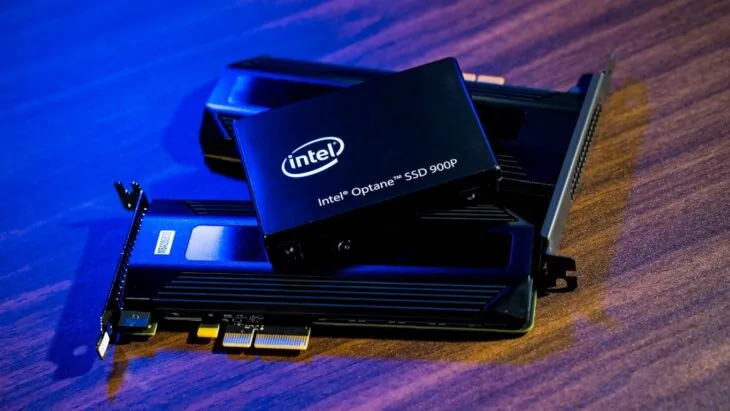
Storage is very familiar to most of us; it’s the space allocated to storing files. Remember to call this “storage,” because when computer details say “memory,” they’re actually referring to RAM.
Your files will be saved on a hard drive. There are two types: hard disk drives (HDDs) and solid-state drives (SSDs). Simply put, disc drives have actual spinning discs inside. Solid-state drives are all microchips.
Both work fine for music production, but SSDs are faster and more durable. Unfortunately, they cost more. If you can swing it, it’s worth the purchase. If not, you’ll be fine with an HDD, but it might be slower.
How Much Storage Should I Get?
Ideally, you want at least a terabyte (1TB) of storage. Not only will you have lots of projects, but you’ll also have plugins, libraries, and program configurations.
Take it up a notch, and if you’re getting serious, you want multiple hard drives. You’ll want one that’s dedicated just to the operating system (Windows, Mac, Linux, etc.) You’ll want another just for libraries and programs.
Some people use a third dedicated to saving their projects. While that’s a good idea, it comes with a hefty price tag. A beginner should be okay with one hard drive, while dedicated producers can get by with two.
Other Things to Know
There are three more areas to look at; other specs, operating systems, and desktops versus laptops. All three will be brief, so don’t get overwhelmed!
Other Specs
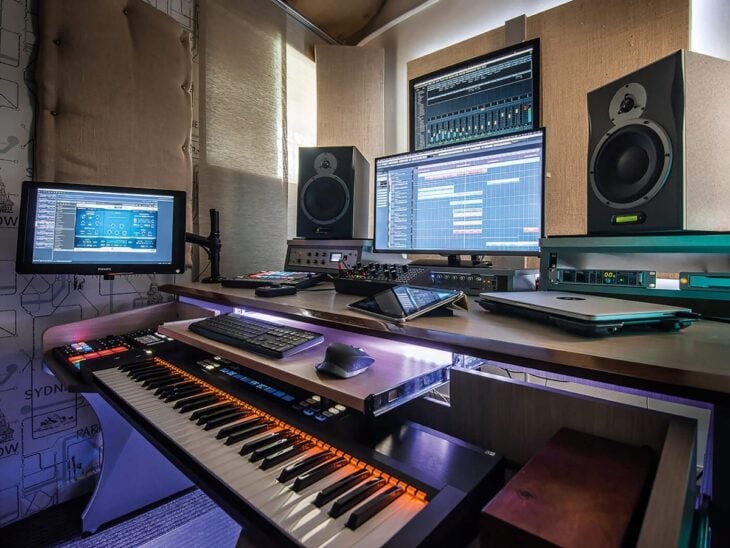
“Other specs” are specs that are important, but not as crucial as the three mentioned above.
First, it’s best if you can find a computer with 3.0 USB ports. Most computers come with both 2.0 and 3.0 USBs, but it’s always a good idea to check. USB ports are essential for connecting instruments and audio interfaces, and 3.0 works faster.
Next, if you are going to do a lot of film editing, you’ll want to invest in a GPU (either built-in to your computer, or auxiliary). A “graphics processing unit” is a special processor that’s dedicated entirely to graphics-centered tasks.
Operating Systems
Next, we have operating systems. This is a fun sidenote, but worth mentioning. Your everyday operating system will work fine for music production.
Historically though, Macs have been the go-to for production. PCs are great, but Macs tend to be faster and more durable. Macs have their own DAW as well, called Logic Pro.
Linux is an operating system completely set apart from Windows and MacOS, and it’s completely free. Contrary to what you might think, its free price tag actually makes Linux more robust and malleable to your needs.
It can be a steep learning curve, but it’s well worth it. While beyond the scope of this article, if Linux sounds interesting to you, check out Ubuntu Studio!
Desktop versus Laptop
Lastly, we come to the portability of your computer. We live in a highly mobile world, and making your music production portable is a priority for many.
If you want your computer to be portable, then a laptop is the obvious choice. While they are great, it’s important to realize that their small size limits their power and customizability.
If you can afford it, and don’t mind staying in one place, desktop computers are ideal for production. They will have more power and storage, and some models let you tinker around – meaning you can add extra RAM or storage etc., if you want.
Conclusion
At this point, you have a working knowledge of what processors, RAM, and storage do. Pair that with the other suggestions I made, and you are well on your way to a great music production setup!
Along with your computer specs, it’s nice to know what your DAW of choice works best with. Here are several links to help you out:
In closing, I’ll say this: while you might be on a budget, I would plan on spending a decent amount on your new computer – at least $800 or $1000. While that might seem like a lot, it will mean you’re buying a worthwhile tool that will be a long-term investment. Plus, you can use it for other things too!
Until next time, enjoy the computer hunt, and always, ALWAYS have fun!
